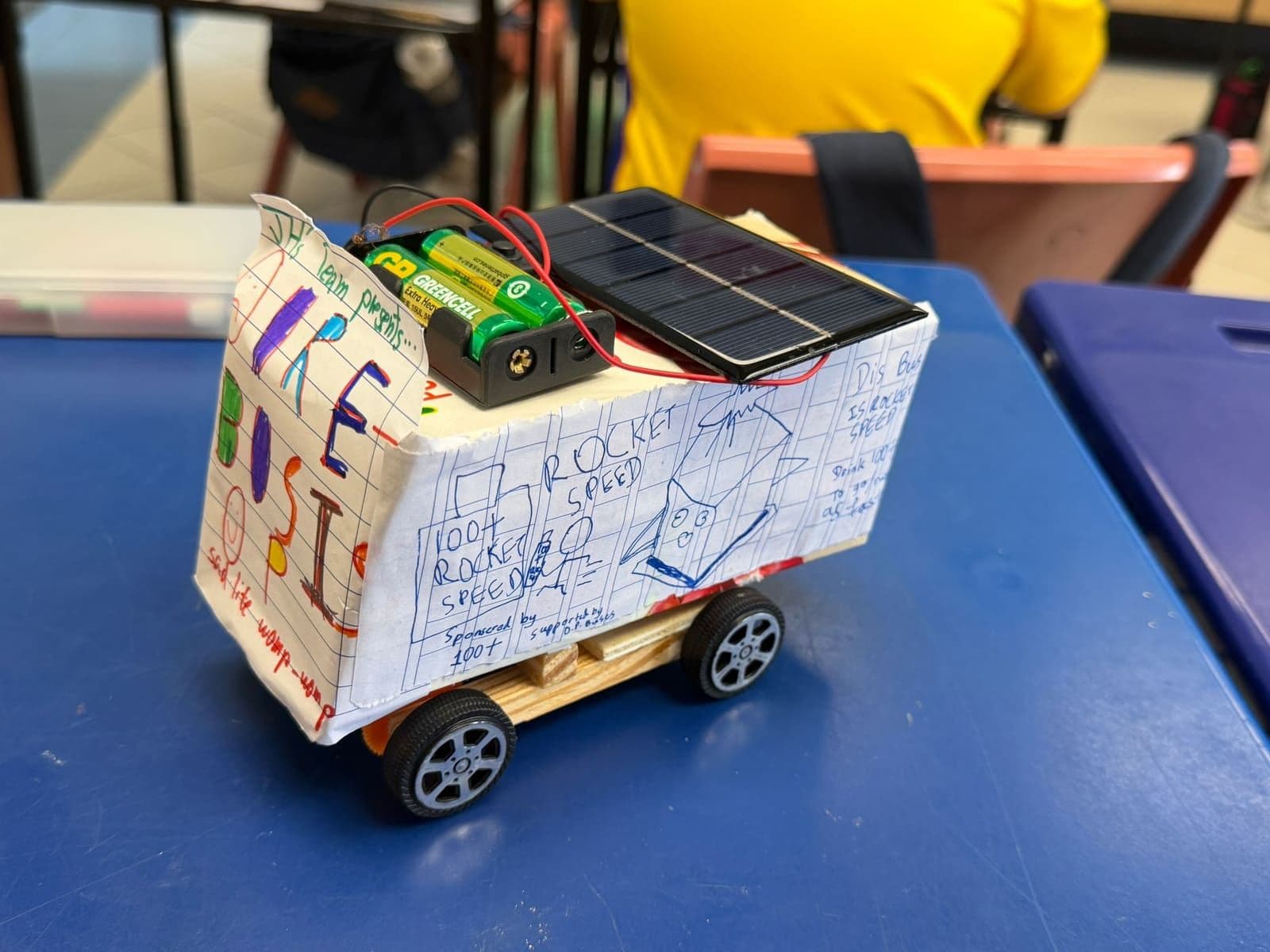
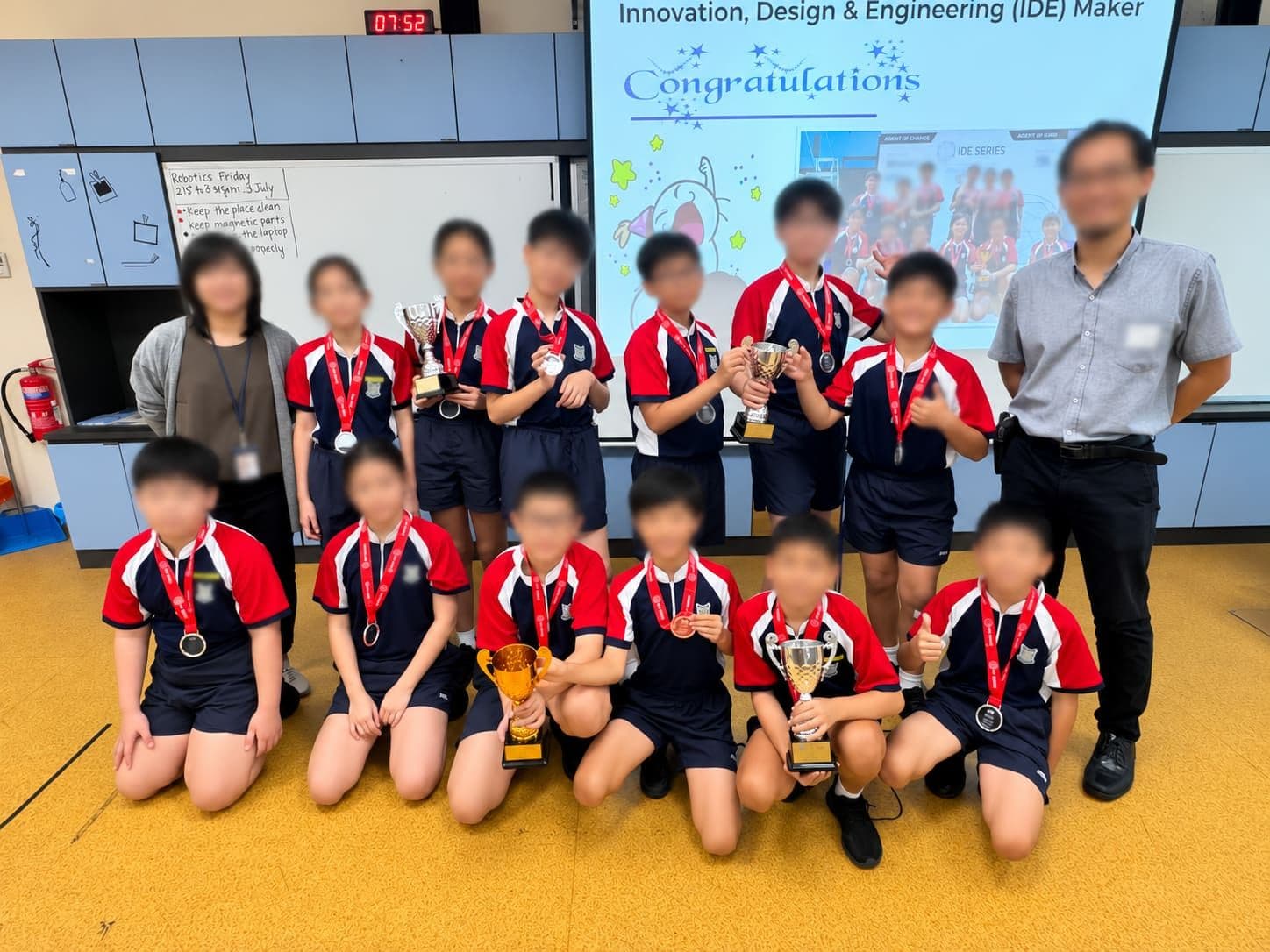
Scratch, micro:bit or LEGO robotics: which should a child start with?
Three tools dominate primary-level coding in Singapore. They are not competitors so much as different doors into the same house — and the right door depends on the child, not on which is newest.
Scratch — the lowest floor
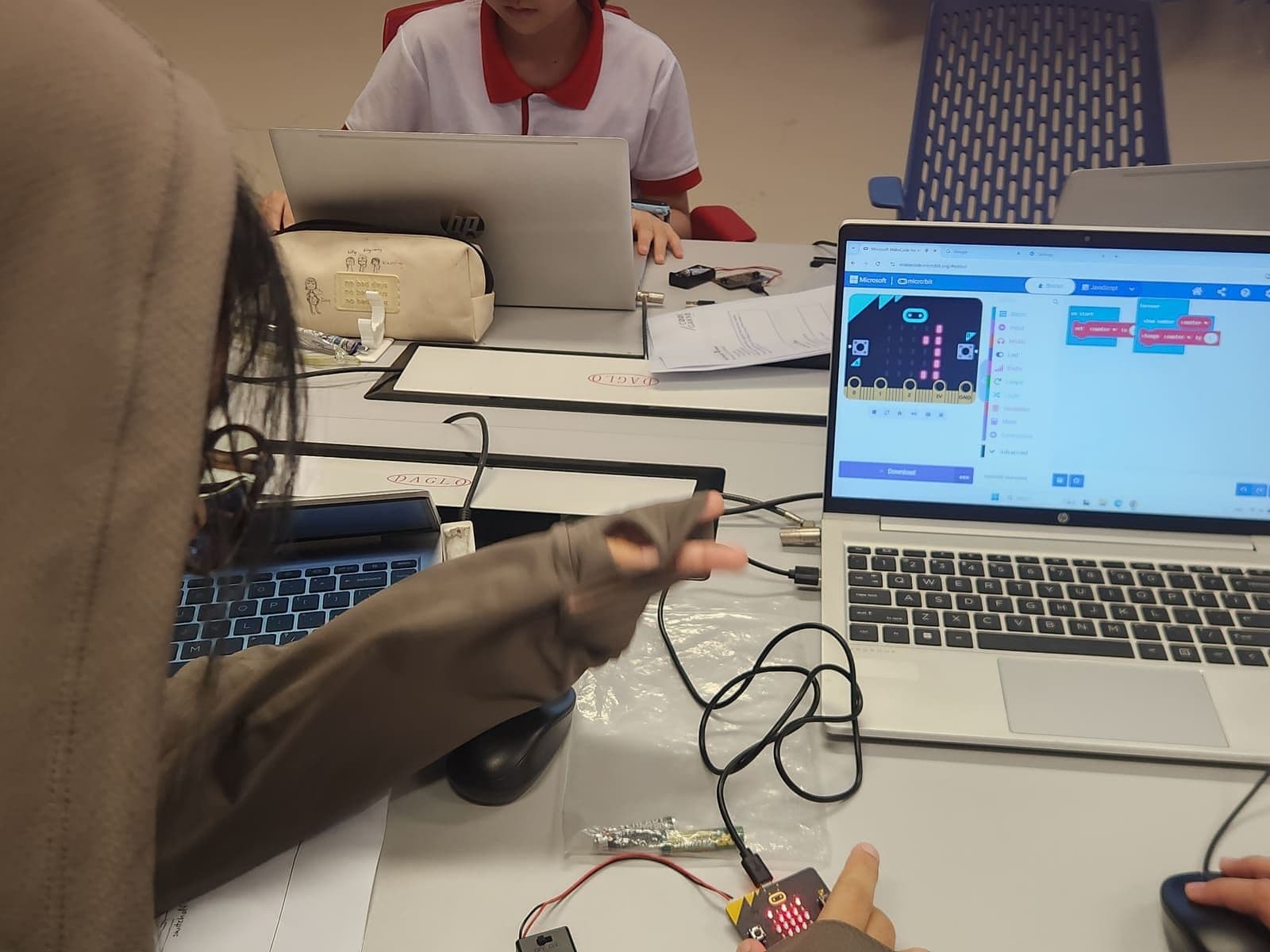
Scratch is free, browser-based, and made by MIT. Students drag coloured blocks together to make characters move, react and talk. Nothing to buy, nothing to plug in, works on any school laptop.
Its real strength is that the ideas are visible. Loops, conditionals, variables and events are all there as physical shapes you can pick up and rearrange, which means a nine-year-old can build a working game before they can spell syntax. Its limit is that everything stays on the screen. For some children that is exactly right; for others, the moment the novelty of the screen wears off, so does the interest.
Start here if your child likes stories, characters, drawing or game design — or if you want to find out whether they enjoy this at all before spending a cent.
micro:bit — where code meets the physical world
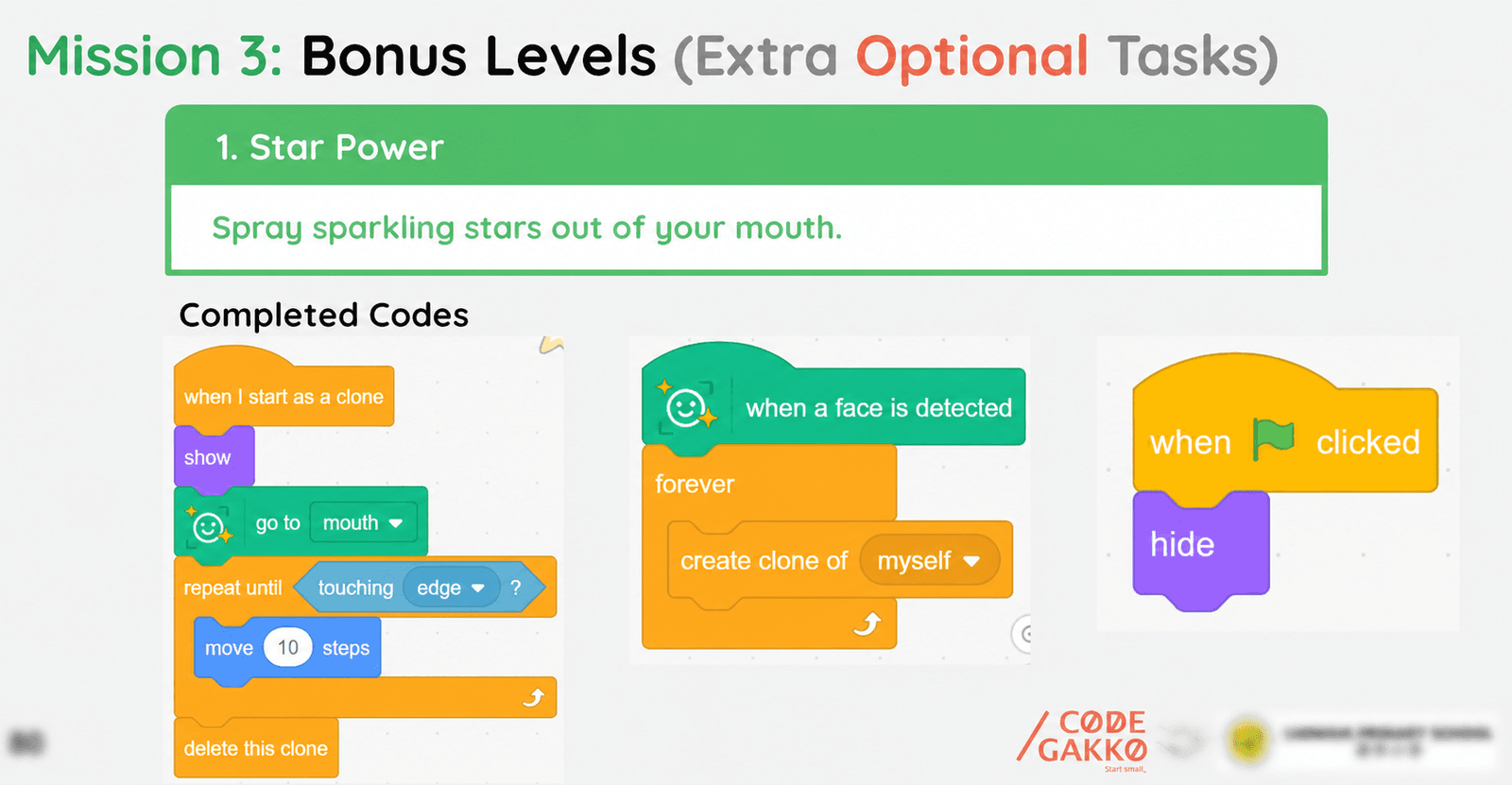
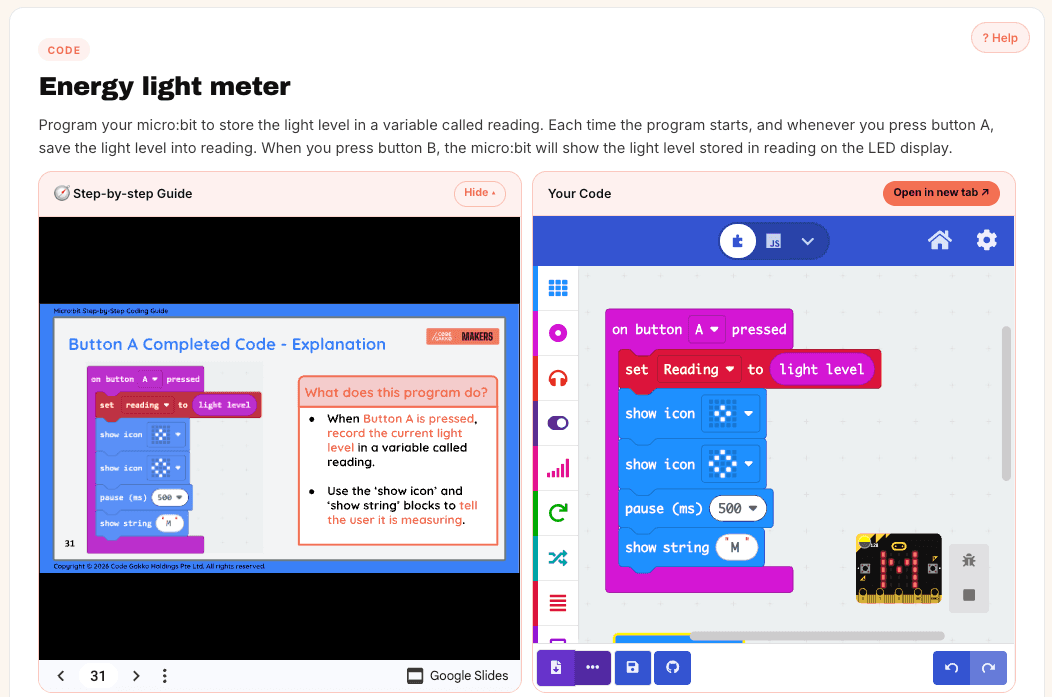
The BBC micro:bit is a small programmable board with an LED display, buttons, and sensors for motion, light, temperature and sound. It costs about the price of a set of assessment books, and you programme it in MakeCode — which looks almost exactly like Scratch, so a child who has used one can use the other within a lesson.
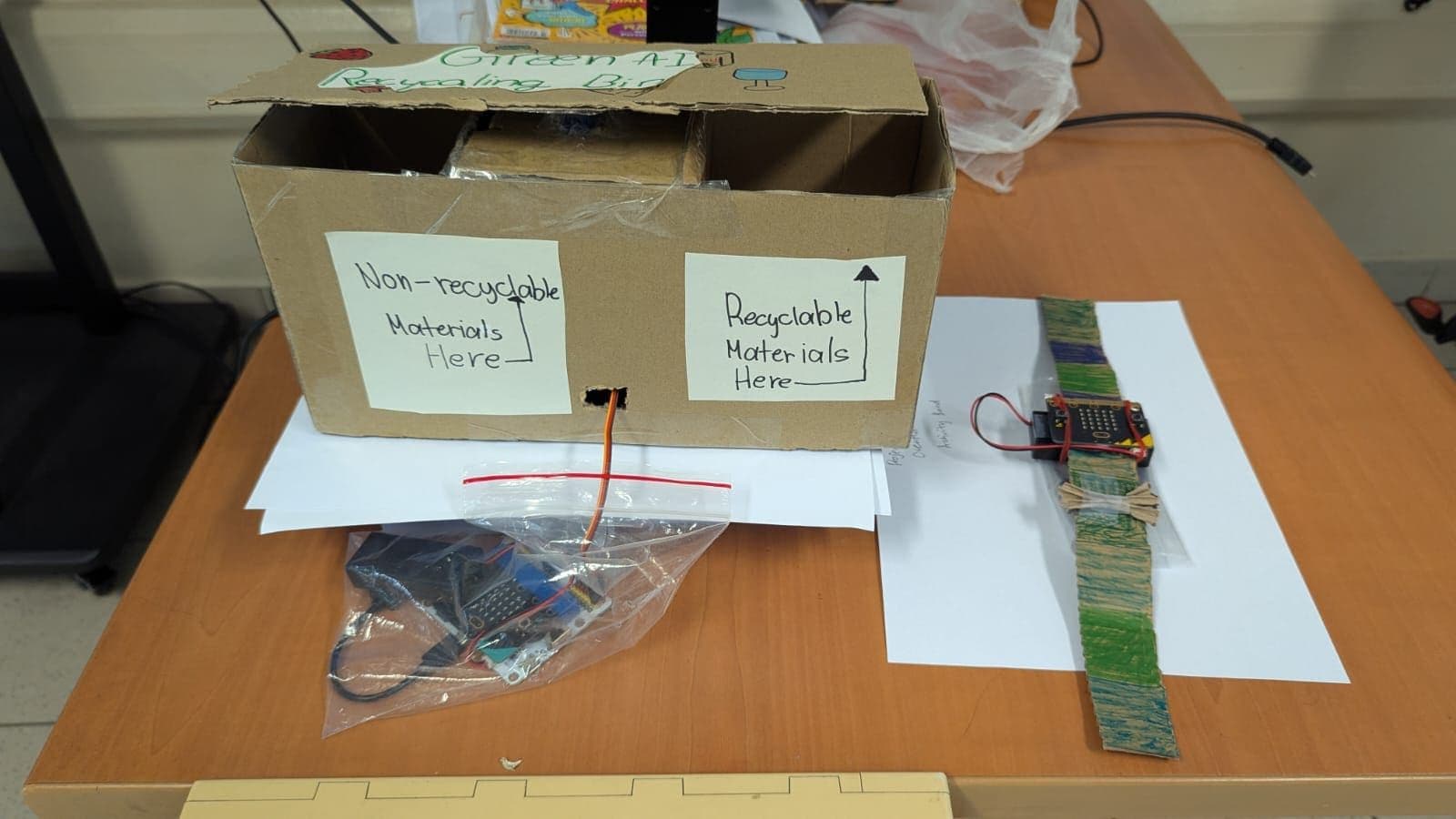
What changes is what happens when the code runs. A finished micro:bit project is a thing sitting on the table that reacts to the actual room: a plant monitor that beeps when soil dries out, a step counter, a door alarm. That physical feedback loop is why we start every student on one. When a build fails, the failure is honest and visible — the sensor is in the wrong place, the wire came loose, the threshold was set too low — and debugging becomes something you do with your hands.
Start here if your child asks how things work, takes things apart, or has done a bit of Scratch and seems ready for something that exists off the screen.
LEGO SPIKE and MINDSTORMS — where the engineering is the point
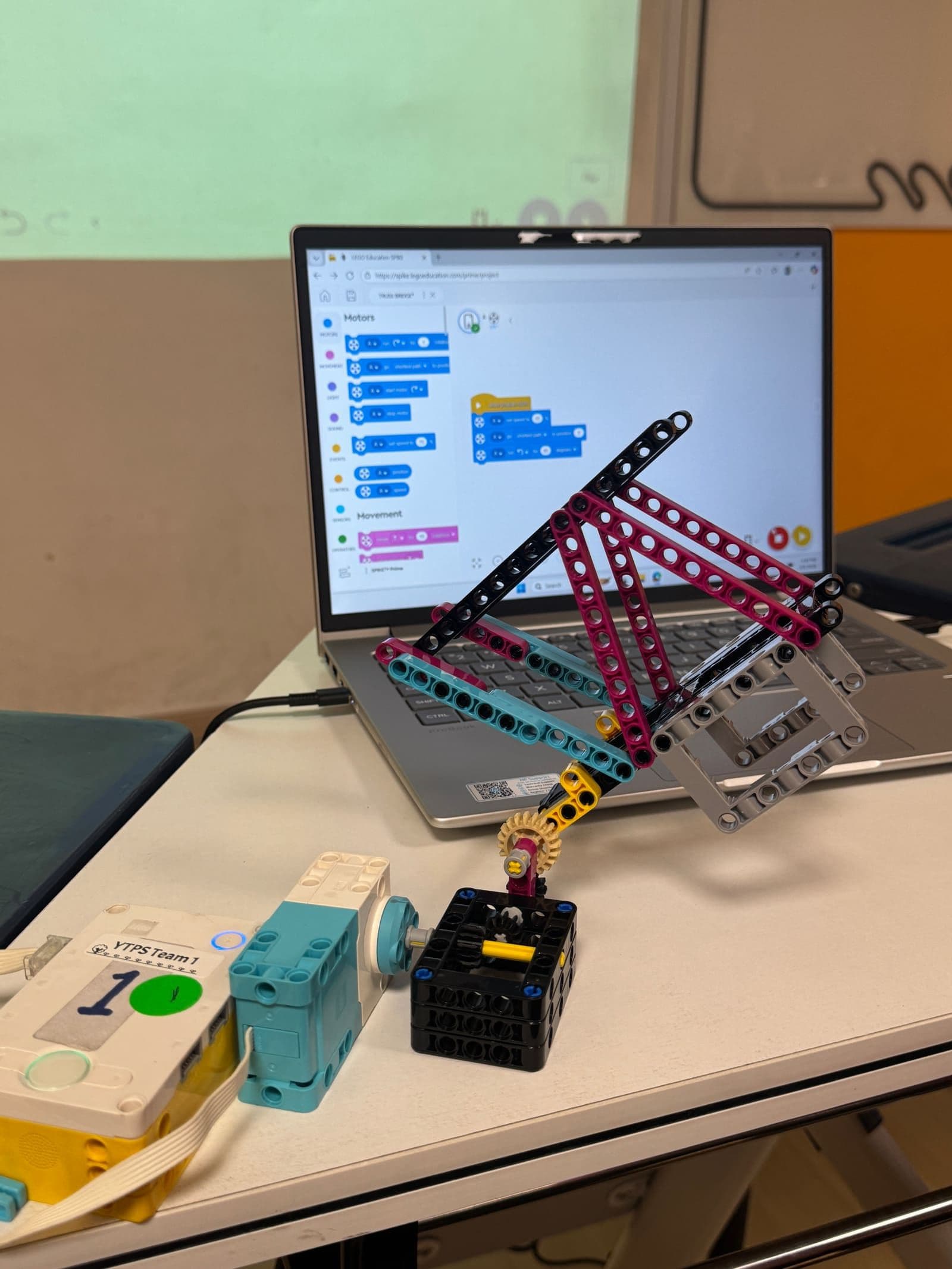
LEGO Education SPIKE Prime and the older MINDSTORMS EV3 put the emphasis on mechanism. Motors, gears, sensors and a great deal of construction, programmed with a block editor. This is the platform behind most school robotics CCAs and most competitions here, including the National Robotics Competition.
The trade-off is cost and structure. A class set is a serious investment, which is why LEGO robotics is usually something a child meets through a school CCA rather than at home. In exchange you get the richest version of mechanical problem-solving available at this age: gear ratios, torque, weight distribution, and the specific humility that comes from a robot that works perfectly in practice and fails on the competition mat.
Start here if your child is already building physically, enjoys taking a problem apart with a team, and has access to a school programme that runs it properly. Most families meet this platform through a CCA — we cover what that involves in robotics competitions Singapore primary students can enter.
The question that matters more than the tool
Parents ask us which platform is best roughly once a week. The more useful question is: what is my child allowed to make?
A child who spends a year following step-by-step instructions on an expensive robot has learned less than one who spent a year making slightly janky things they thought of themselves on free software. The scaffolding matters at the start — nobody invents from a blank page — but if it never lifts, the child ends up good at following instructions, which is not the skill anyone needed to develop in the first place.
So when you look at a class, a kit or a programme, look past the hardware. Ask what a student makes in week ten that they chose themselves.
A reasonable path, if you want one
Scratch for a term to find out whether they like it. A micro:bit next, because it is inexpensive and it moves the work into the physical world. LEGO robotics through school, if a CCA is available and the interest is real. Text-based code — Python, usually — when the block editor starts feeling like it is in the way, which the child will tell you.
And plenty of children arrive in a different order, or skip a step entirely — straight from blocks to a board, or into robotics first and back to Scratch later. That is fine. None of this is a ladder, and there is no stage a child is late for.
Common questions
+What age should a child start coding?
Block-based tools like Scratch work well from around seven or eight, when reading is fluent enough to follow labels. Physical computing with a micro:bit tends to land best from about nine. There is no evidence that starting earlier produces better outcomes, and quite a lot of teacher experience suggesting that starting when a child is interested does.
+Is a micro:bit worth buying for home use?
It is one of the better value purchases in this space — a starter kit costs less than a term of most enrichment classes, MakeCode is free, and there are thousands of free project guides online. The main thing it needs is an adult willing to sit nearby, not an adult who can code.
+Does my child need to learn Python?
Not at primary level. Block-based programming teaches the same concepts — sequence, loops, conditionals, variables — without the cost of typing exact syntax. Python becomes worthwhile when a child is frustrated by what blocks cannot express, which is a much better trigger than an age.
Written by the Code Gakko team. Where this guide describes MOE policy or a competition, please treat the organisation’s own site as the authority — details change from year to year.