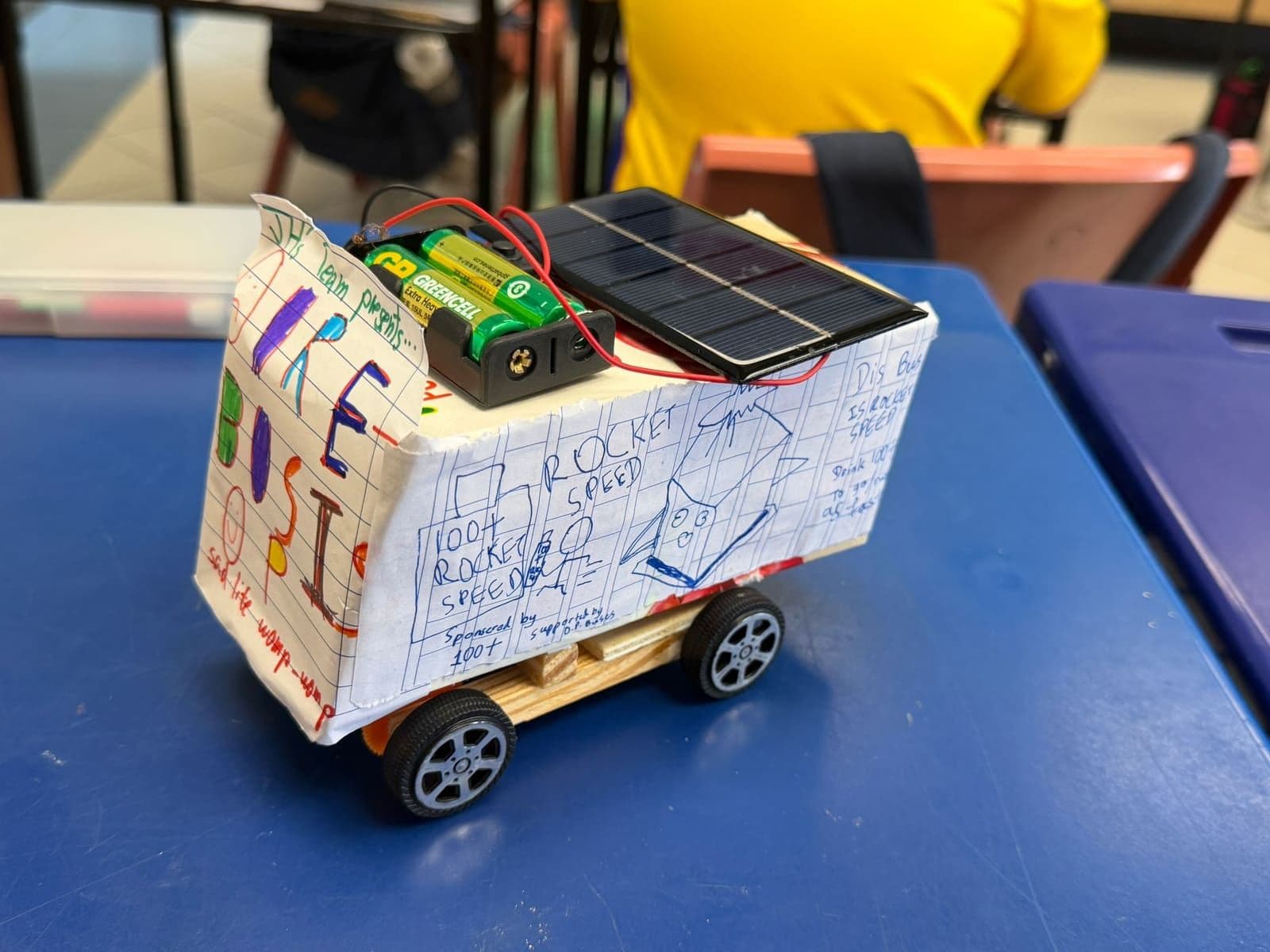
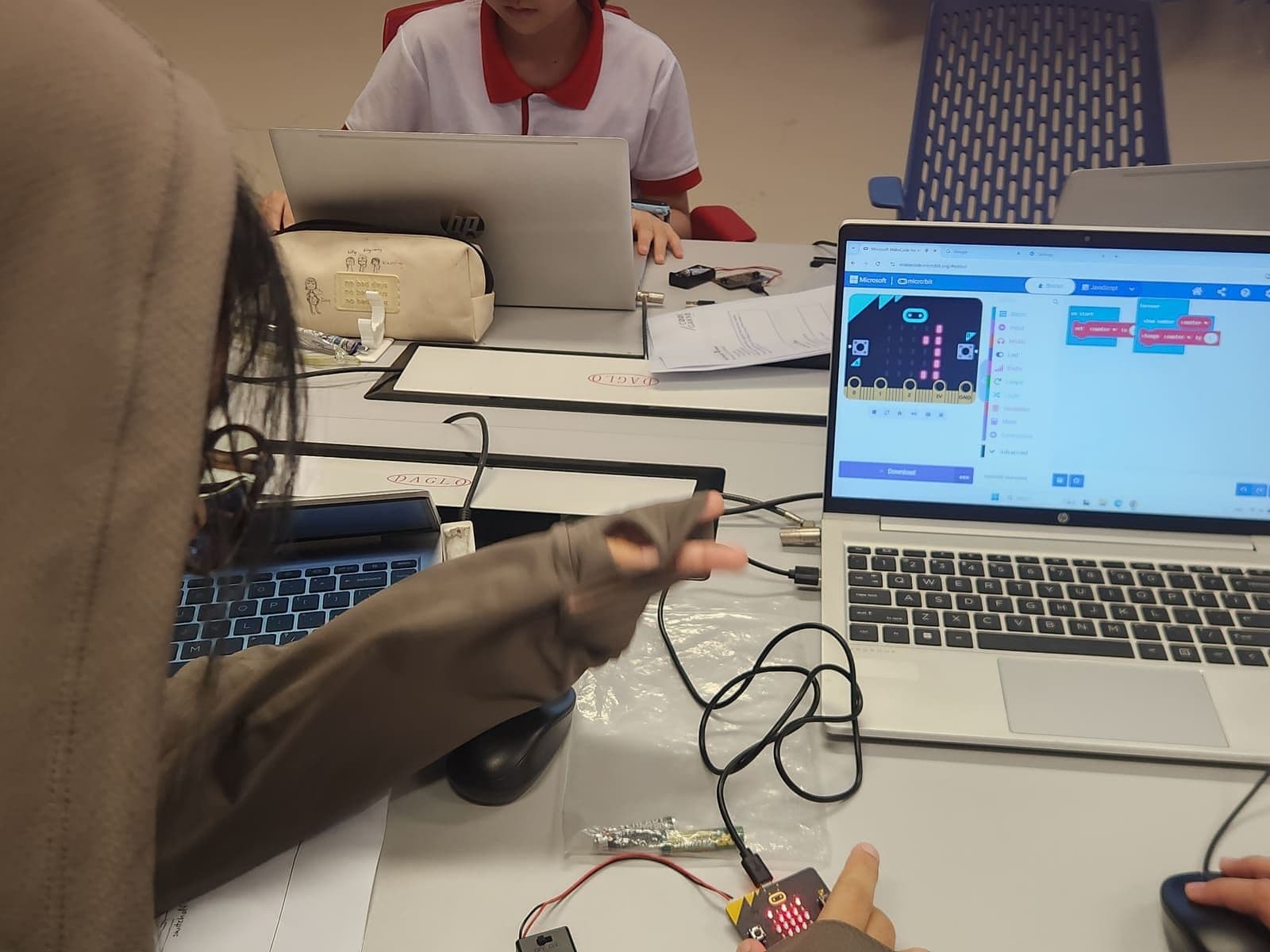
School holidays produce a specific kind of parental guilt: the sense that the time should be used for something. It should not, particularly. But if your child wants to build, here are five projects that fit a holiday and end in a working thing.
Before you start
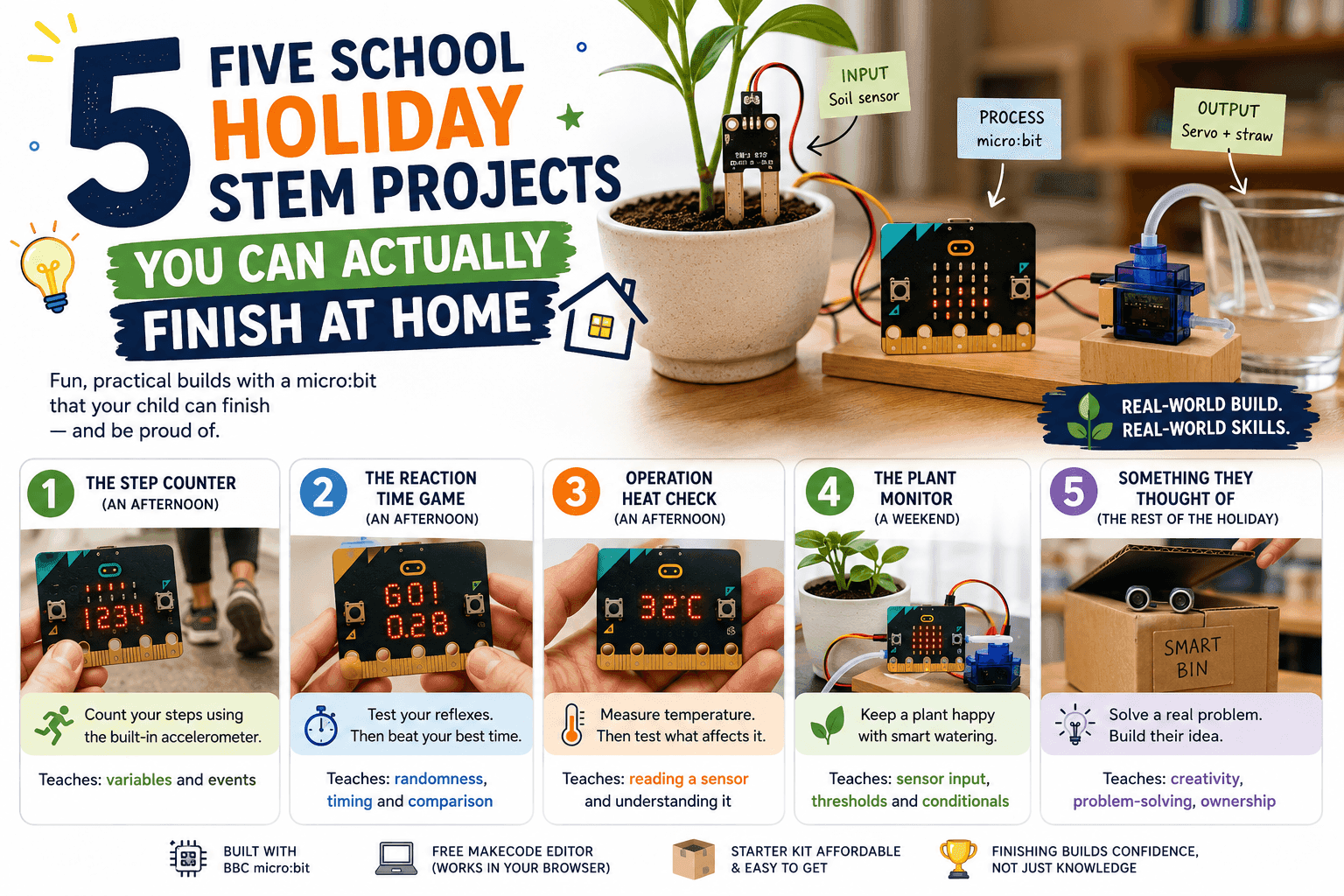
All five run on a BBC micro:bit with the free MakeCode editor, which works in a browser on any laptop. A starter kit with the board and a handful of components costs less than a term of most classes.
Sizing matters more than ambition. A project that takes an afternoon and works is worth more than one that takes a week and is abandoned on day three — finishing is the habit you are actually building.
1. The step counter (an afternoon)
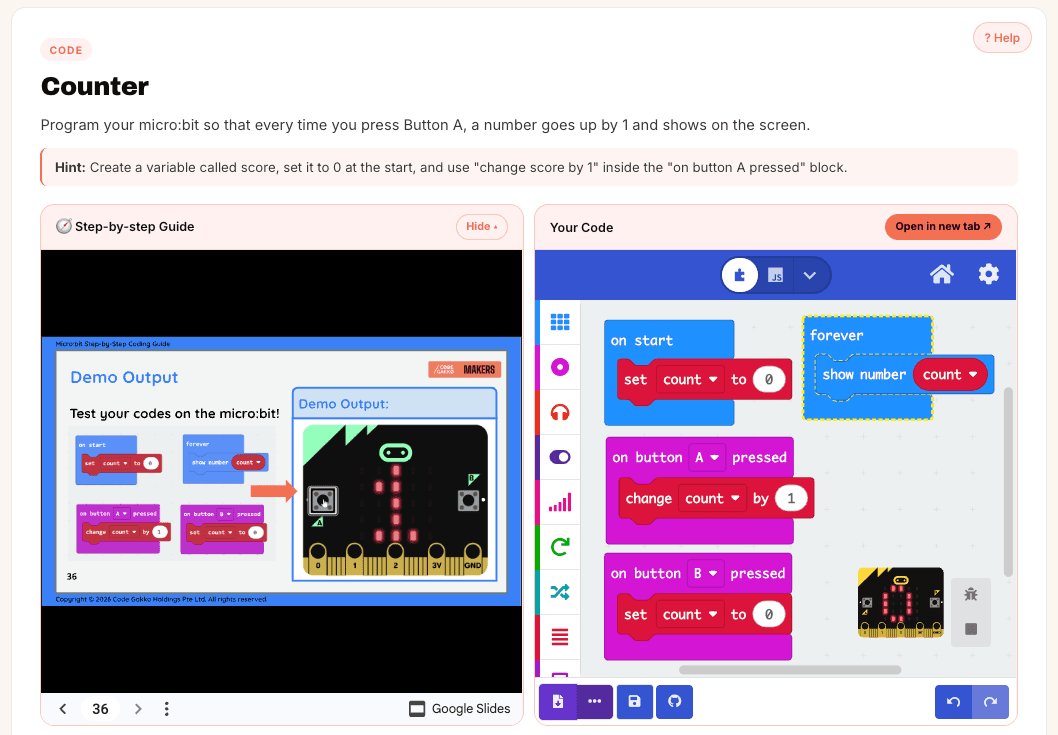
The micro:bit has a built-in accelerometer, so a step counter needs no extra parts at all. Shake detection, a variable, a number on the display.
What it teaches: variables and events — the two ideas everything else is built on. What makes it good: your child can immediately test whether it is accurate by walking around counting out loud, and it will be wrong, and fixing that is the real lesson.
2. The reaction-time game (an afternoon)
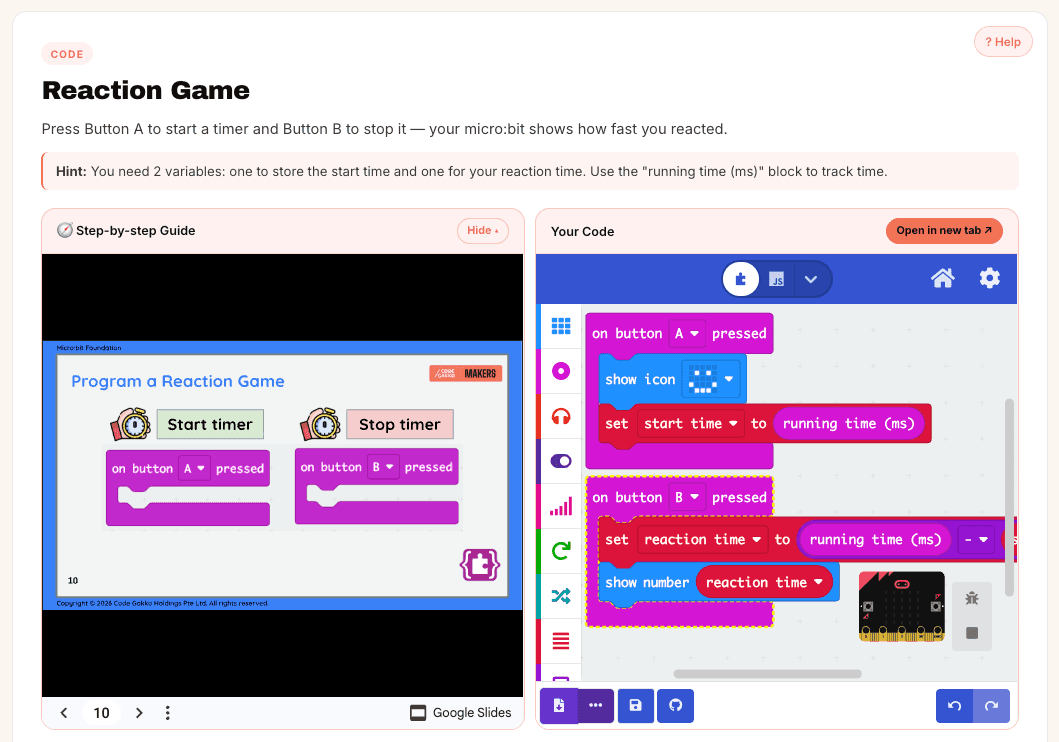
Random delay, light up the display, measure how fast the button gets pressed. Then make it two-player.
What it teaches: randomness, timing and comparison. What makes it good: it is a game, so it gets played, so it gets improved. Most children add a scoreboard without being asked.
3. Operation Heat Check (an afternoon)
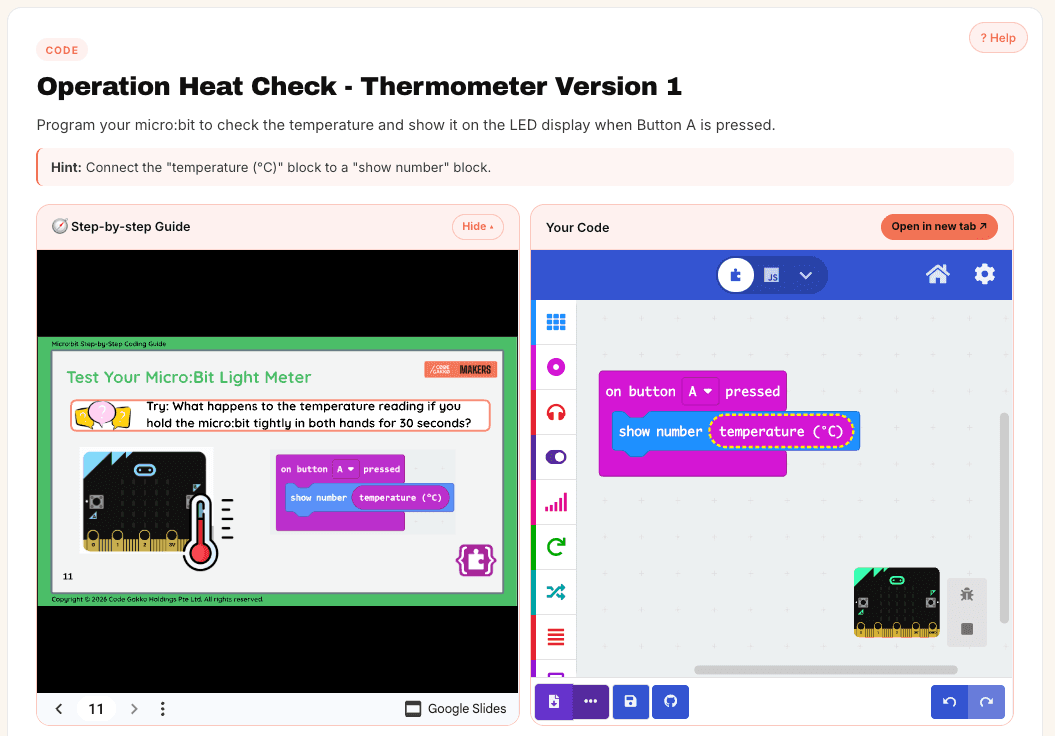
The micro:bit has a temperature sensor on the board itself. Press a button, read the temperature, show it on the display. Then the interesting part: hold it tightly in both hands for thirty seconds and watch the number climb.
What it teaches: reading a sensor, and not trusting it blindly. The board measures its own chip temperature, not the room, so a warm hand skews it — which is a real and useful lesson about what a measurement actually measures.
4. The plant monitor (a weekend)
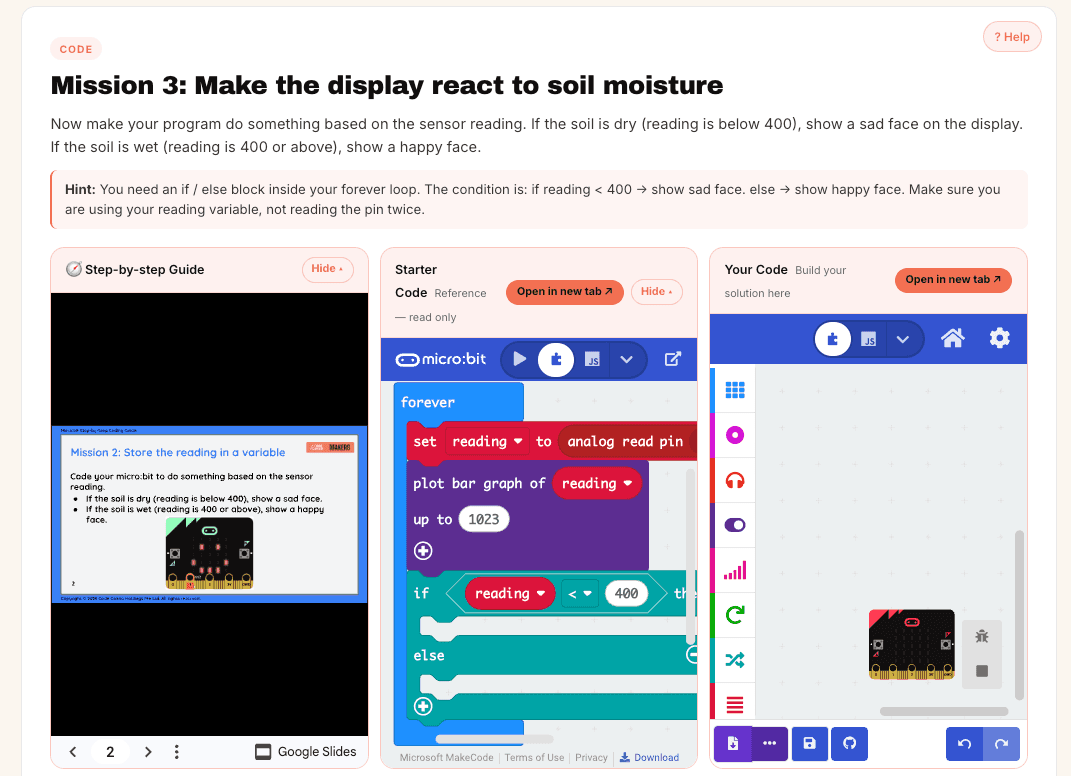
A soil moisture sensor, a small pump or servo, and a threshold: when the soil is drier than X, do something about it.
What it teaches: sensor input, thresholds and conditionals. What makes it good: it runs for weeks afterwards, so the code has to work in real conditions rather than for the ten seconds of a demo. Setting the threshold wrong and drowning a plant is a genuinely useful failure.
5. Something they thought of (the rest of the holiday)
This is the one that matters. Ask what annoys them at home — a sibling entering their room, forgetting to bring a water bottle, a fan nobody switches off — and let them build something about it.
It will be worse-made than the four above. It will also be the only one they can explain without looking anything up, and the only one they will bring up months later.
How to help without taking over
When a build fails, resist fixing it. Ask what they expected to happen, and what actually happened — the gap between those two sentences is where debugging lives, and handing over the answer removes the entire exercise.
Two other things that help more than they should: making them explain the code to you out loud, and stopping while it is still going well. A project abandoned mid-enthusiasm gets picked up again. One ground into the floor at 10pm does not.
And if you would rather not assemble a curriculum yourself, that is reasonable — that is the thing a guided programme is for. Either way, the five above are free to build, and you do not need us to do it.
Common questions
+What do I need to buy to start a micro:bit project at home?
A micro:bit board, a USB cable and a battery pack cover the basics; a starter kit adds sensors, a servo and jumper wires. The MakeCode software is free and runs in a browser, so no other purchase is needed.
+How long should a holiday STEM project take?
An afternoon to a weekend for most primary-aged children. Longer projects tend to be abandoned, and an unfinished build teaches considerably less than a small finished one.
+Do I need to know how to code to help my child?
No. The most useful things a parent does are asking what the child expected to happen, asking them to explain their code out loud, and not fixing the bug for them.
Written by the Code Gakko team. Where this guide describes MOE policy or a competition, please treat the organisation’s own site as the authority — details change from year to year.